The JobServer.NET platform consists of multiple components which work together as a single cohesive system to provide a feature-rich apparatus for creating, managing, monitoring, and scheduling jobs. An individual job can range from a simple one step process up to a comprehensive set of steps working in tandem to solve a more involved set of requirements.
Some examples of jobs that JobServer can perform out of the box, without any custom programming:
- Twice a week, copy files from a local folder to an FTP server.
- Every night at 3:00 AM, look for new log files and compress them.
- Watch a folder, and if it contains any files over a certain age, compress them to an archive folder.
- Watch a folder, and if any new image files appear, resize and/or rotate them.
- Monitor a disk drive or network volume and generate a warning email if free space dips below 15%.
- Four times a day, only on weekdays, execute a SQL command.
- Send a notification if a remote server cannot be pinged.
The major components which make up the JobServer.NET platform is described below to provide an overview of their respective roles.
JobServer.NET Service
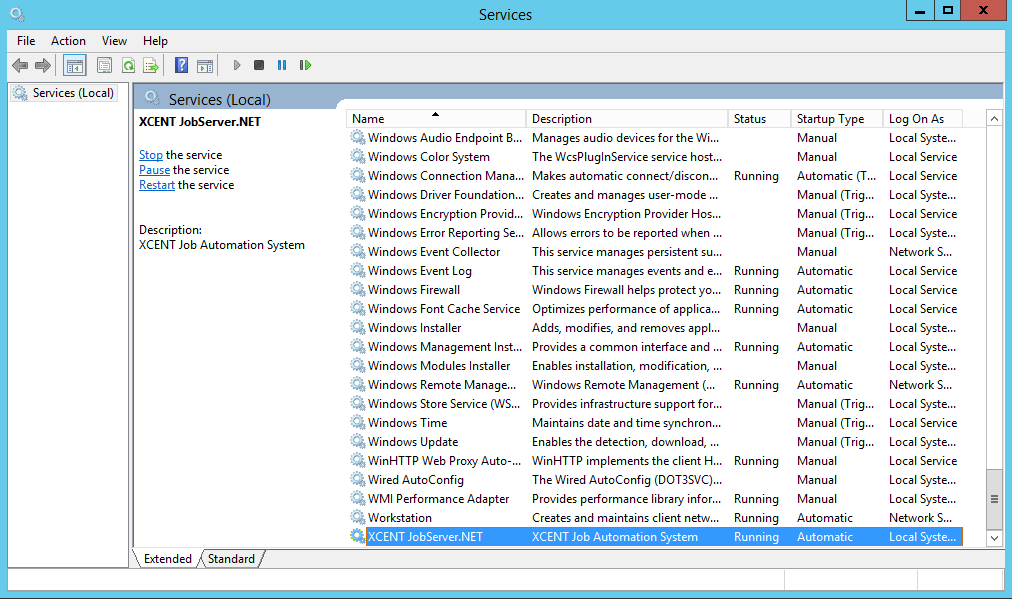
The JobServer.NET Service is the main component of the entire system. It is the scheduling and application platform that everything else communicates with. This runs as a standard Windows service which you will see listed as XCENT JobServer.NET. Once installed, the JobServer.NET service should always be running and under normal conditions should only ever be stopped when the Operating System is shutting down or restarting, or when an update to JobServer.NET is being installed.
JobServer.NET Manager
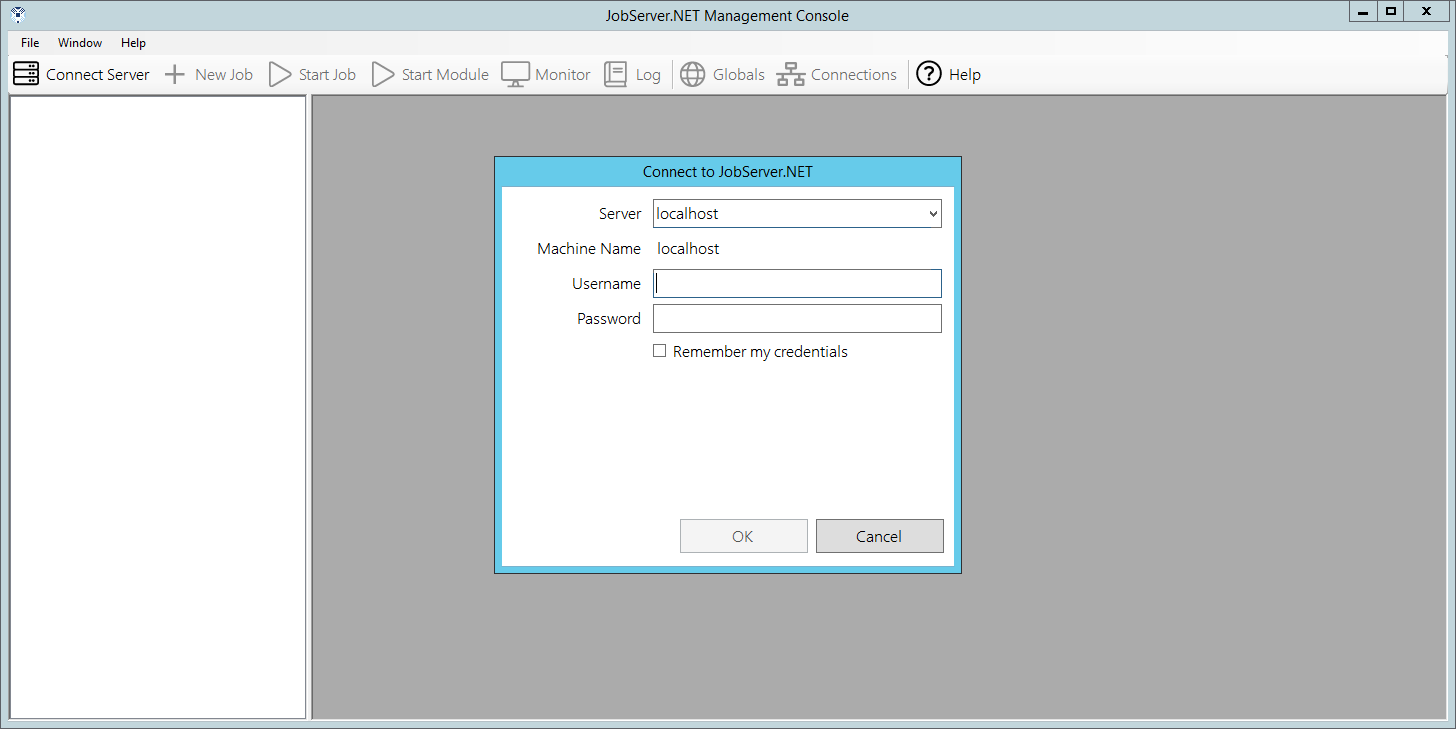
The JobServer.NET Manager is a Windows desktop application which can be installed and run on the same machine running the JobServer.NET Service, or any machine which can communicate with it. Typically, this means when JobServer.NET is installed on a machine on a private network, any machines you want to use the management application from should also be located on the same private network. When you start the management application, it will prompt for an authorized login. When the service is installed on a machine that is an Active Directory (AD) member, a valid login will be the same as your AD credentials for any administrator accounts on your network. When the service is installed on a machine that is not part of an Active Directory network, then any administrator account on that machine can be used as a valid login. Additional authorization options can be found under Authentication Options in the Advanced Configuration section.
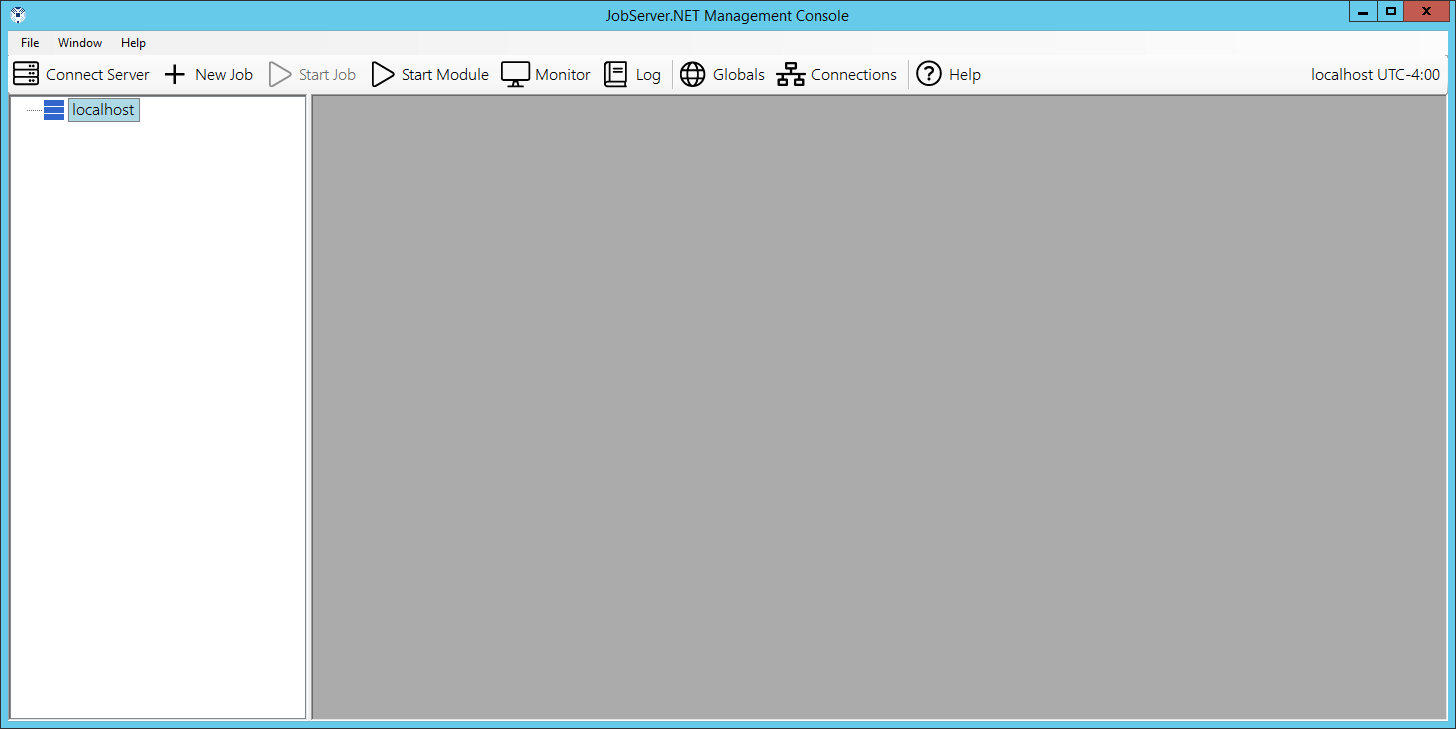
Once you are successfully logged in, the initial management application should just show your connected server and will have no jobs defined initially.
JobServer.NET Mobile Manager
Enterprise licenses of JobServer.NET will soon have the optional feature of a mobile management application for Android and iOS phones and mobile devices. Enterprise subscriptions and licensees with an active maintenance package will receive notification about the availability of the mobile management application as soon as it is released.
JobServer.NET Plugins
Plugins in JobServer.NET run directly within the JobServer.NET service. There are distinct types of plugins, Triggers and Modules. Each type has its own role within the system.
Triggers
A trigger is simply a component that can start a job.
Each trigger has its own settings that configure the conditions needed for the JobServer service to load and run a given job definition.
Probably the most used trigger is the Scheduler, which allows you to define a date and time to start running a job definition and has a multitude of recurrence options.
The next most used trigger would be the File Watcher. This trigger allows JobServer to monitor a specific folder for any new or changed files in that folder.
The Pre-Installed Triggers section outlines in detail all the triggers pre-installed with JobServer.NET.
Modules
A module within JobServer is a component which can be used by a job to perform a specific task or action. A job consists of one or more steps that execute modules, optionally started by a trigger.
A very frequently used combination for the Scheduler trigger might be to use the [Files] Delete module to clean up old log files an application might leave behind by running at a late hour every Sunday night.
Another commonly used combination might take the File Watcher trigger and use it in combination with the [Files] Copy/Move module to copy the files to another location on the machine or on your network.
The Installed Modules section discusses in detail the many useful modules included with JobServer.
The Custom Modules section provides information on creating your own modules. One of the most useful features of the JobServer.NET platform is that C# developers can create their own modules and combine them with all the other pre-installed triggers and modules available.